
OnlyFans keeps $20 of every $100 you make. It also has no search or explore page, so no fan will ever find you inside the app. You bring every subscriber yourself, from X, Reddit, or your cam room.
If either of those bothers you, the best OnlyFans alternatives fix one or both.
You are not the only one asking. In one r/onlyfansadvice thread, the most upvoted answer says OnlyFans, Fansly, and most of the rest all take the same 20%. That is $2,000 gone on every $10,000 you earn.
Most alternatives to OnlyFans are good at one thing, not everything. So each section tells you who that site fits.
Below, you get six sites like OnlyFans compared on three numbers: what they take, how fast they pay, and where new fans come from. One of them pays out 100%.
What to check before you sign up anywhere
Four things decide how much you take home. Check them before you upload a single clip.
1. What they take on each type of sale: Some sites take one flat cut. Others take 20% on subscriptions but 40% on clips. Look at where most of your money comes from, then check that number.
2. Payout minimum and hold time: A $100 minimum with a 7-day hold means your first payment arrives later than you think. Know both numbers before you switch.
3. Where fans come from: If the site has no search or explore page, you do all the promotion. That is fine if you already send traffic from your cam room. It is a problem if you do not.
4. Who owns your content, and whether the site pays: Read the terms. One creator in the r/onlyfansadvice thread found a smaller site’s terms let it keep and resell her content after she left. Another reported the same site withheld payouts. Before you upload anywhere, search the site name plus “payout” on Reddit.
Pick an OnlyFans alternative based on what you sell most, not on the lowest fee on the homepage.
6 Best OnlyFans Alternatives
1. YourVids
The setup: YourVids gives you a storefront, not a feed. You sell videos, photo sets, audio, and bundles from one page. It is an OnlyFans alternative for creators who record content and want to sell it, not post every day to keep fans around.
What you keep: All of it. Sell a clip for $100 and $100 goes into your balance. The only cost is the transfer fee when you withdraw: $3 for next-day ACH, $6 for same-day, $5 plus 3% for the 1-hour international option. That $100 clip lands in your bank as $97.
When you get paid: Every other Wednesday. Each sale has a 7-day hold. Minimum is $100, or $50 on Paxum once it launches. US creators need a W-9 on file first.
Why creators pick it: On top of clips, you can take tips, custom orders, and paid messages with pay-to-view attachments. If you cam, two more things matter. You can file DMCA takedowns for free from the Takedown Labs section of your dashboard. And there is a chargeback protection policy for disputed payments.
Who it fits: Cam models and creators who already have content and want to sell it without giving up a fifth of every sale.
Watch out for: There is no subscription feed here. If most of your income is monthly subs, pair it with a feed site instead of replacing one.
2. Fansly
The setup: Fansly is the closest thing to OnlyFans. Same subscriptions, same PPV, same tips, similar layout. If you want an OnlyFans alternative app where nothing needs relearning, this is it.
What you keep: 80%. Fansly takes 20%, same as OnlyFans. If the fee is your only reason to leave, this does not fix it.
When you get paid: Around 7 days after you request it. Minimum is $100.
Why creators pick it: You can be found. Fansly has an explore feed and a search bar, which OnlyFans does not. It also lets you set several subscription tiers, so one fan pays $5 for basic access and another pays $25 for everything.
Who it fits: Creators who will post daily and want new fans to come from inside the app, not only from their own promotion.
Watch out for: The explore feed rewards daily posting. In the r/onlyfansadvice thread, one creator calls Fansly miles ahead of every other alternative. Two others say they cannot get traction there. The first creator later explained why. Skip a few days and the feed drops you.
3. Fanvue
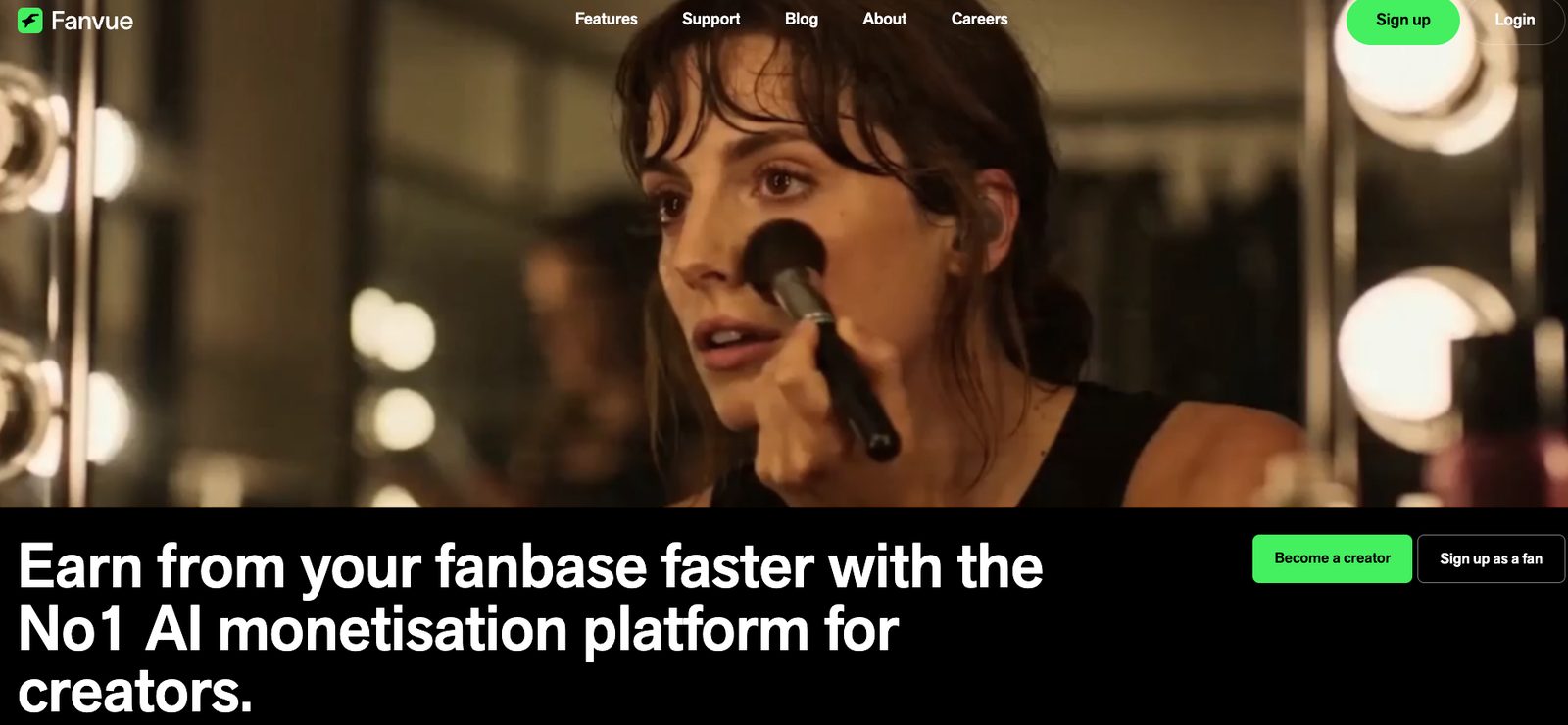
The setup: Fanvue is a UK-based subscription site. It works like OnlyFans on the surface, but it has put its money into tools that reply to fans, schedule posts, and show you what sells. Among apps like OnlyFans, it is the one built around automation.
What you keep: 80%. New creators get a short window at 85%, but it ends fast. Do not plan your income around it.
When you get paid: Around 7 days. You can choose from several payout methods.
Why creators pick it: The AI messaging. It drafts replies to fan DMs in your tone, so you spend less time in the inbox and more time making content. Scheduling and analytics come in the same dashboard.
Who it fits: Creators whose DMs eat their day, or anyone running more than one account and short on hours.
Watch out for: The AI replies go out under your name. Read every draft before it sends, at least for the first few weeks.
4. LoyalFans

The setup: LoyalFans is a subscription site built around talking to fans, not only posting for them. You can charge for live streams by the minute, sell voice notes, and take video calls. Of the OnlyFans competitors here, it is the one where your time is the product.
What you keep: 80%. LoyalFans takes 20%.
When you get paid: Twice a month.
Why creators pick it: More money per fan. A subscriber pays once a month. A fan on a paid call pays every minute. If your top fans want attention more than an archive, that adds up faster than PPV ever will.
Who it fits: Fetish, femdom, findom, and any creator whose regulars message more than they browse.
Watch out for: The audience is small. Nobody finds you here by accident. Bring your own fans, and treat it as a second site, not your main one.
5. ManyVids
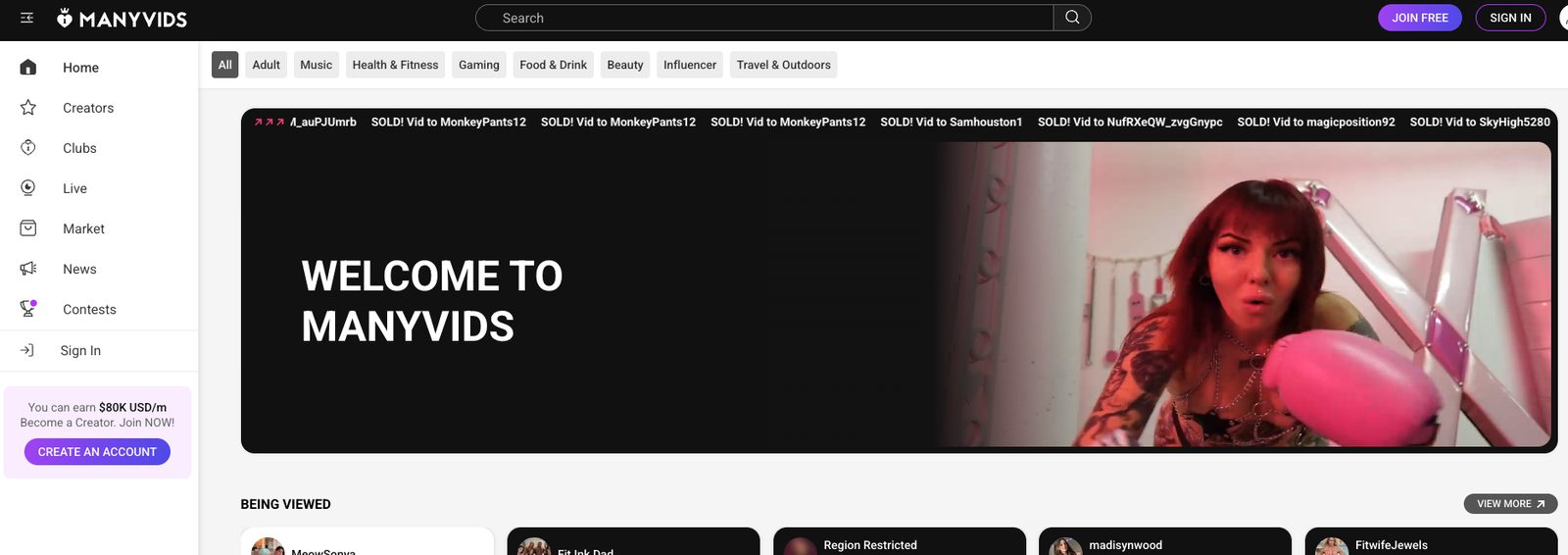
The setup: ManyVids is a video marketplace, not a feed. Fans browse by category and niche and buy clips one at a time. Of all the sites like OnlyFans to make money on, it is one of the oldest and busiest.
What you keep: It depends on what you sell. About 80% on subscriptions, tips, and customs. About 60% on clip sales. So a $20 clip nets you around $12 on ManyVids. The same clip on YourVids nets you $20 before the transfer fee.
When you get paid: Weekly, on Wednesdays. Minimum is $50.
Why creators pick it: Traffic. Buyers are already on the site looking for new videos and new models. You do not have to bring every fan yourself.
Who it fits: Video sellers who want a steady stream of new buyers and are fine paying for it.
Watch out for: If clips are your main product, do not make ManyVids your main store. A 40% cut on every video is the highest on this list. Use it to get found, then send buyers to the store where you keep more.
6. JustForFans
The setup: JustForFans was built by adult performers for adult performers. It has a large gay male audience, a searchable model directory, and looser content rules than most sites. If you are a queer creator looking for a Fansly alternative, start here.
What you keep: 80%. Go exclusive, meaning no OnlyFans or other rival site, and it rises to 85%.
When you get paid: Weekly or monthly, your choice. Minimum is $50.
Why creators pick it: The audience is loyal and spends. Fans browse categories like BDSM or couples, so new creators show up in search from day one.
Who it fits: LGBTQ+ creators, and anyone whose content is too kinky for the big sites.
Watch out for: If your fans are not part of this community, they are not here. The site also looks dated next to the others on this list.
How to make the switch
You do not have to leave OnlyFans on day one. None of the platforms like OnlyFans above ask for exclusivity, so run the move in stages.
1. Pick by what you sell most: Clips and customs point you to a store like YourVids. Subscriptions and daily posts point you to a feed like Fansly. Paid chat and calls point you to LoyalFans.
2. Move your back catalogue first: Upload the clips you already have. A store fills up in an afternoon and starts selling without new content.
3. Send traffic for 30 days: Put the new link in your cam bio and pinned posts. Do not split promotion across three sites. One new site at a time.
4. Compare the payouts, then decide: Look at what each site paid you for the same month. Keep both if both earn. Drop OnlyFans only if the new site beats it.
Which one should you pick?
Selling clips you already have? YourVids. You keep the sale price.
Want a feed where fans can find you? Fansly.
Fans who pay for your time? LoyalFans.
None of the best OnlyFans alternatives fixes everything. Pick the one that matches what you sell most, run it next to what you have now, and let the payouts decide.
FAQs
Which OnlyFans alternative takes the lowest cut?
YourVids, which takes nothing from the sale. You pay only the transfer fee when you withdraw. Among subscription sites, Fansly, Fanvue, and LoyalFans all take 20%.
Are there any OnlyFans free alternatives?
Not for creators. Every site either takes a cut of each sale or, in the case of YourVids, charges a small fee on the withdrawal. What people usually mean by OnlyFans free alternatives is a free-to-follow page with paid content inside it, and most of the sites above support that.
Can I use OnlyFans and one of these at the same time?
Yes. None of the six require exclusivity. Link both in your cam bio and pinned posts.